Campaign Manager - Campaign Manager (Silverlight)
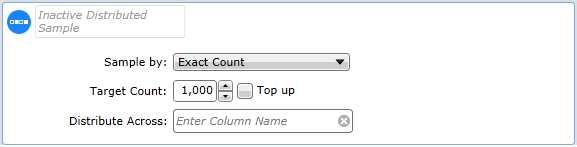
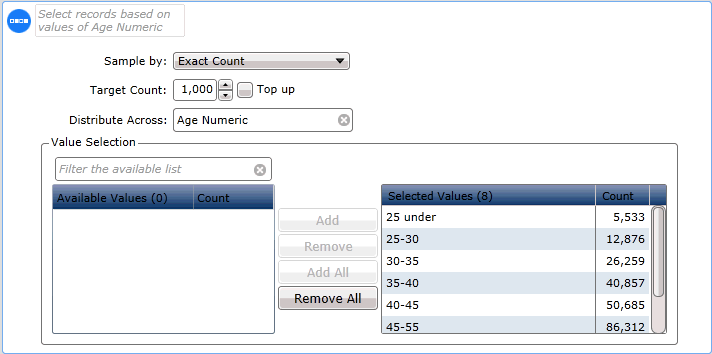
Distributed SampleUse the Distributed Sample tool to reduce the size of a segment by selecting records that are distributed across the segment using a suitable database column. For example, you could select a sample of 1000 people from your database using the Age Numeric column to distribute by so that you get an even distribution across age bands: Procedure
You could also choose to sample by percentage, and take 10% of the people in each age band.
|
| Online & Instructor-Led Courses | Training Videos | Webinar Recordings | 
|
|

|
© Alterian. All Rights Reserved. | Privacy Policy | Legal Notice |   
|